
Culture / Travel / Cinematic
Tea Museum Journey
A cinematic walk through a traditional tea museum, moving from exhibits into an intimate tea-room encounter.
Generated video will be displayed here
Seedance 2.0
Create cinematic AI videos from text, images, audio, and video references. Use Seedance 2.0 to generate smooth motion, realistic scenes, synchronized audio, and multi-shot storytelling in minutes.
A cinematic walk through a traditional tea museum, moving from exhibits into an intimate tea-room encounter.
An elegant ice queen summons glowing magic inside a vast frozen temple.
A dreamlike luxury montage connects a vintage roadster, fine jewelry, champagne, and a cosmic whale encounter.
A bright 3D animated walkthrough follows a child past cooking, drama, and science club booths.
A vertical cinematic romance that shifts from an emotional reunion to a fading keepsake.
Describe scenes in natural language with subject, action, camera, lighting, and mood.
Upload a still to guide composition, subject identity, and visual style.
Use clip references to steer pacing, camera movement, and scene structure.
Combine sound direction with visual rhythm for stronger audio-visual consistency.
Build short sequences with scene changes and stronger narrative continuity.
Generate smoother movement, natural camera flow, and cinematic transitions.
Capabilities
Seedance 2.0 is designed for more controllable, cinematic, and production-ready AI video creation.
Use text, images, video, and audio references to guide your video direction. This makes Seedance 2.0 more flexible than basic prompt-only video generators.
Create scenes with smooth movement, natural camera flow, dynamic action, and realistic visual transitions.
Generate videos that feel more immersive by combining visual direction with audio-aware generation.
Build short videos with scene changes, camera movement, subject continuity, and stronger narrative structure.
Describe camera angles, lighting, subject motion, mood, environment, and visual style with more detailed creative direction.
Create AI videos for TikTok, YouTube Shorts, Instagram Reels, product ads, landing pages, and creative campaigns.
Workflow
Describe the video you want to generate. Include the subject, action, camera movement, lighting, atmosphere, and visual style. Example: A cinematic close-up of a luxury perfume bottle on black marble, soft golden light, slow camera orbit, mist in the background, premium commercial style.
Upload an image, video, or audio reference when you want to guide the subject, motion, style, rhythm, or atmosphere.
Choose your video settings, start generation, preview the result, and download your AI-generated video for social media, ads, or creative projects.
| Traditional AI Video Generator | Seedance 2.0 AI Video GeneratorMultimodal | |
|---|---|---|
| Text Prompt | Yes | Yes |
| Image Reference | Limited | Supported |
| Video Reference | Often limited | Supported depending on access |
| Audio Reference | Rare | Supported depending on access |
| Camera Control | Basic | More cinematic direction |
| Multi-Shot Storytelling | Limited | Stronger scene continuity |
| Audio-Visual Generation | Usually separate | Designed for audio-visual experience |
| Best For | Simple clips | Cinematic short videos, ads, social content, creative scenes |
Mention the person, product, object, or environment clearly. Example: a luxury watch on a reflective black surface.
Explain what moves in the scene and how it moves. Example: the watch rotates slowly while soft light sweeps across the metal surface.
Seedance 2.0 works better when your prompt includes camera direction such as slow camera orbit, close-up macro shot, or dolly-in movement.
Lighting can strongly affect the final result. Example: golden rim light, cinematic shadows, soft mist, premium dark atmosphere.
Avoid mixing too many unrelated ideas in one prompt. One clear scene usually works better than a crowded prompt.
Try the Seedance 2.0 AI video generator with limited credits and basic generation settings.
Start FreeFor creators who need more video generations, faster access, and more creative options.
Upgrade to CreatorFor marketers, agencies, and teams creating AI videos for campaigns, product visuals, and content production.
Go ProCredit usage may vary based on duration, model option, resolution, queue priority, and advanced settings.
FAQ
Seedance 2.0 is an AI video generation model designed for multimodal video creation. It can use creative inputs such as text, images, video, and audio references to generate short cinematic videos with realistic motion and stronger audio-visual consistency.
Yes. You can describe your video idea in a text prompt and use Seedance 2.0 to generate a short AI video based on your description.
Yes. You can upload a reference image to guide the subject, visual style, composition, or scene direction, then generate a moving video from it.
Seedance 2.0 is designed around audio-visual generation capabilities. Available audio options may depend on platform access, model version, and selected generation settings.
Seedance 2.0 is mainly designed for short video generation. Available duration options may vary by platform, model version, and access level.
Yes. Seedance 2.0 is useful for TikTok, Instagram Reels, YouTube Shorts, product ads, music visuals, and cinematic short-form content.
A strong prompt should include the subject, action, camera movement, lighting, mood, style, and output format. For example, mention slow tracking shot, cinematic lighting, realistic motion, or vertical video for social media.
No. This page provides an online AI video generation experience using Seedance 2.0-related model access or compatible generation workflows. It is not the official ByteDance website and is not affiliated with ByteDance.
Turn your ideas, images, references, and creative direction into short cinematic videos. Start with a prompt and generate your first Seedance 2.0 video online.
Turn product photos into short ecommerce video clips for PDP heroes, marketplace ads, and launch teasers — without booking a motion shoot.
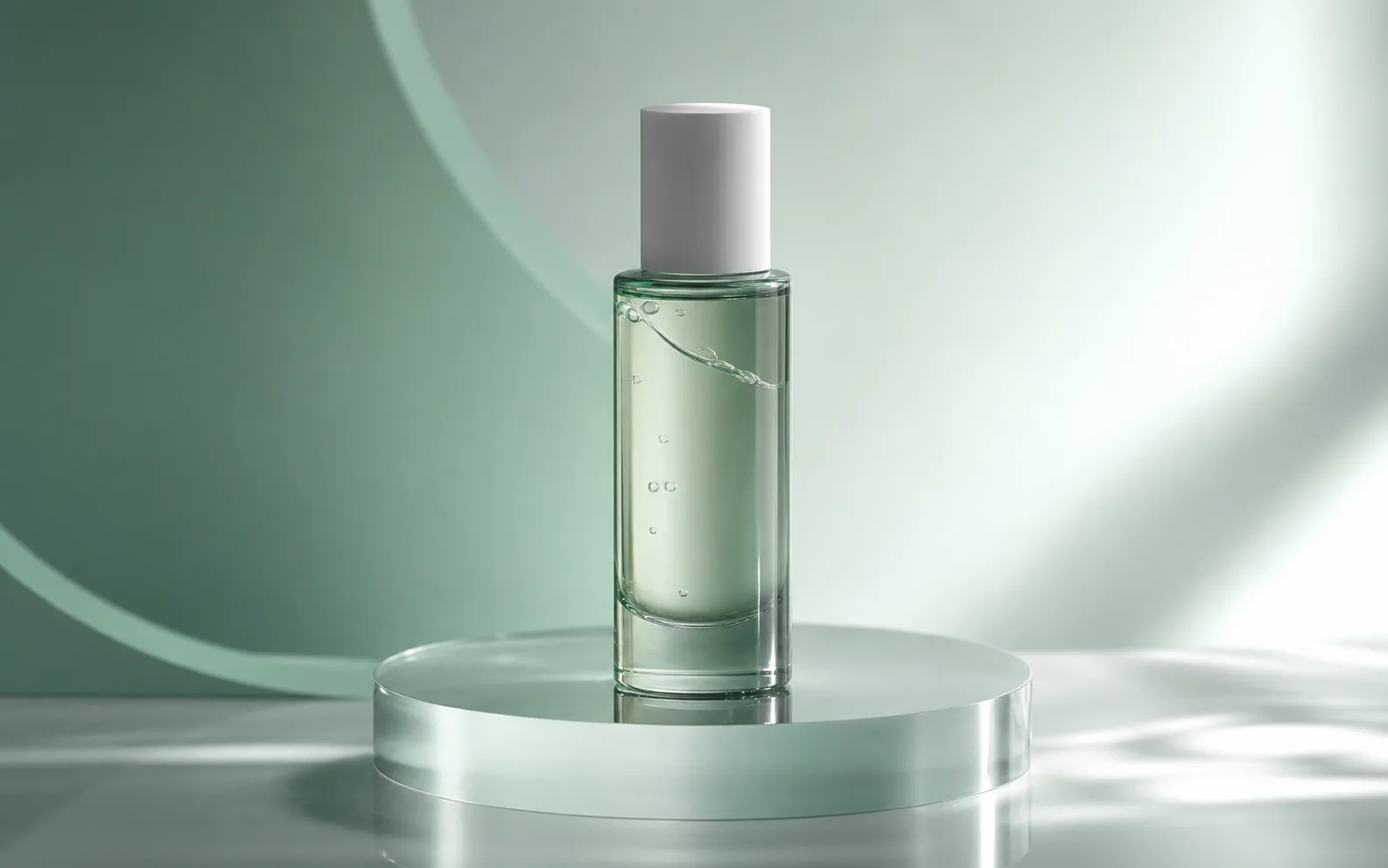
Turn prompts into short videos for ads, social posts, and product campaigns with Seedance 2.0.
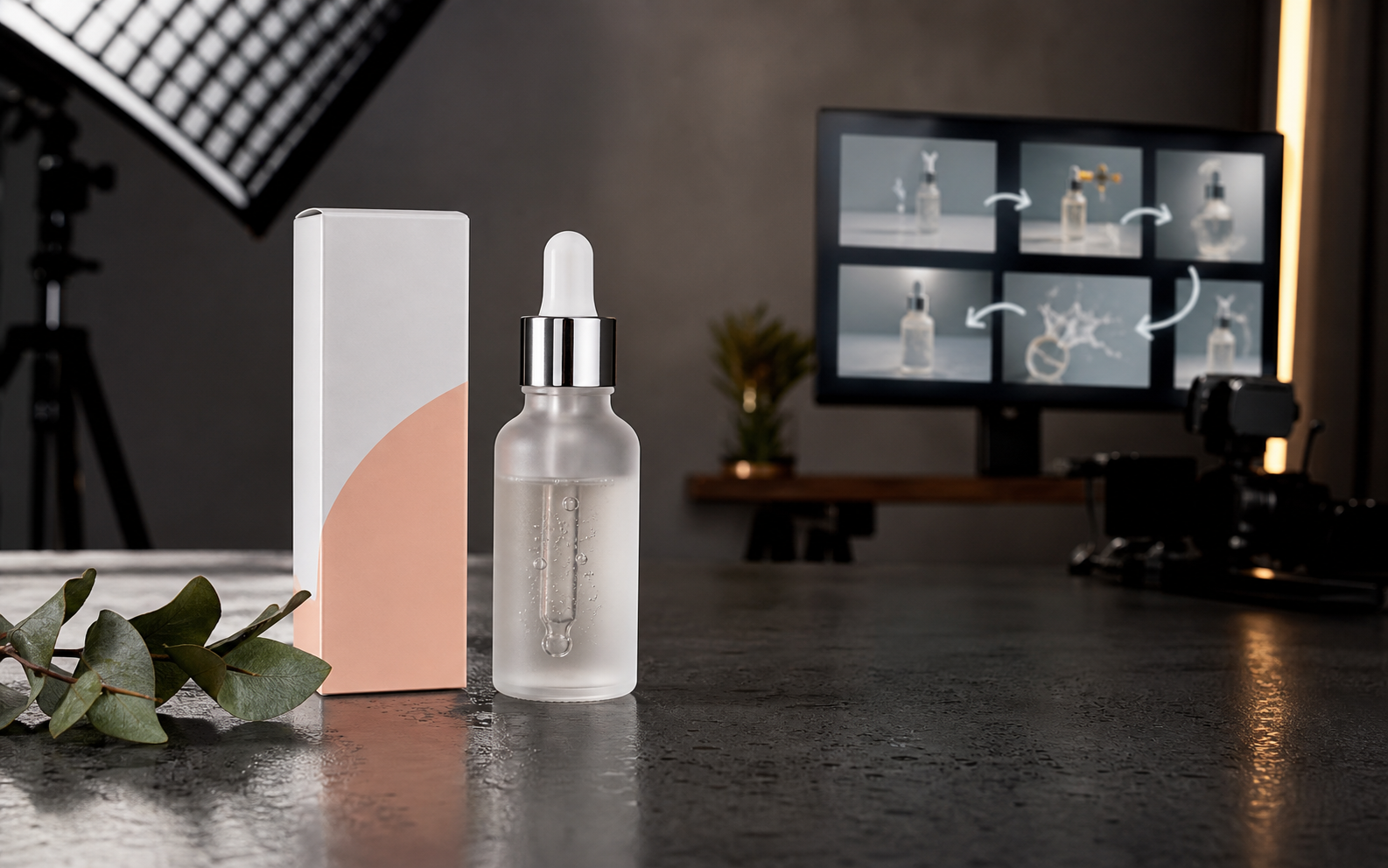
Upload a reference image, describe the camera motion, and turn product photos, portraits, landscapes, or ad stills into AI video clips.
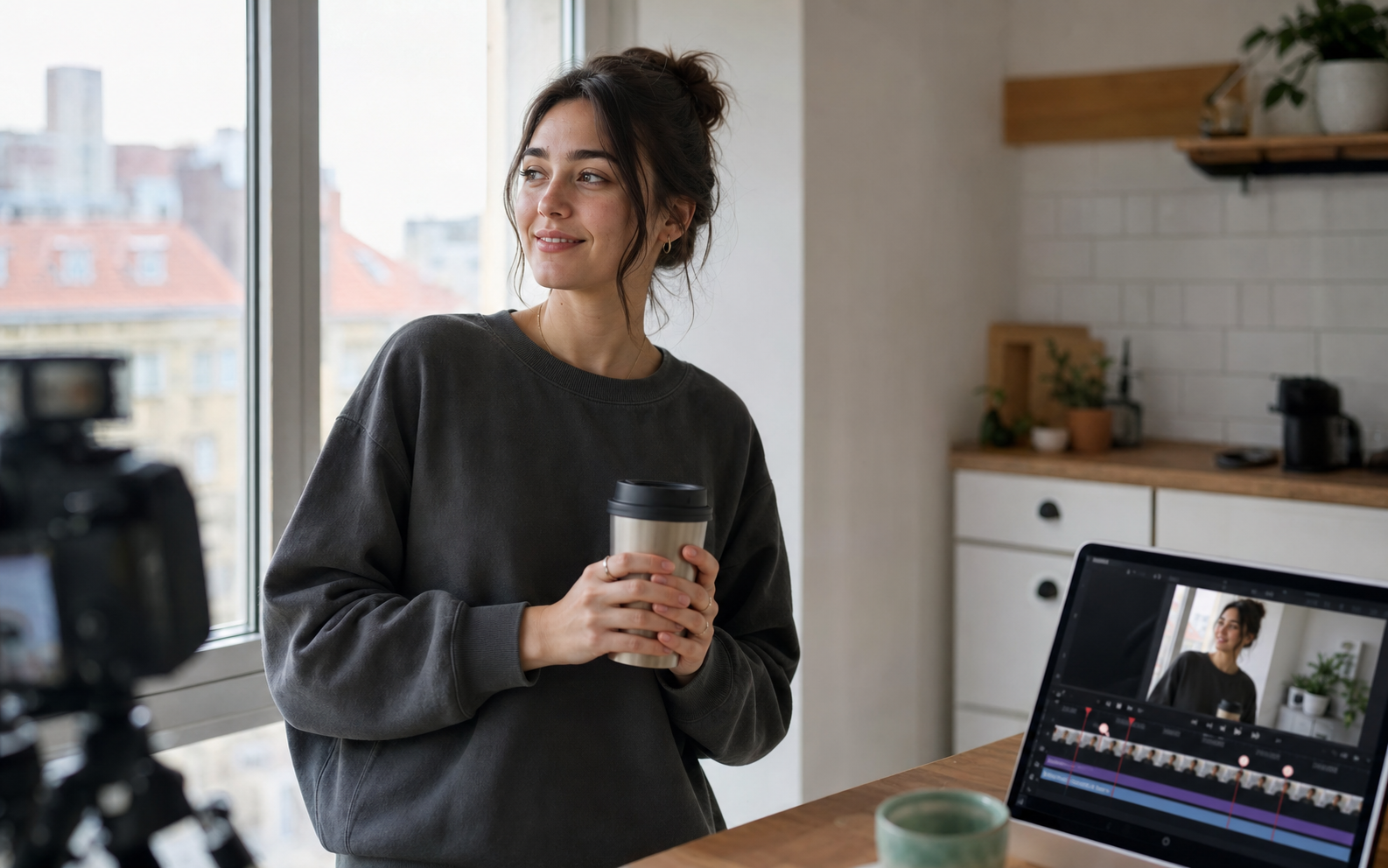
Create cinematic AI videos with Google Veo 3.1. Generate text-to-video, image-to-video, and reference-guided clips with native synchronized audio, realistic motion, and filmmaker-friendly controls.
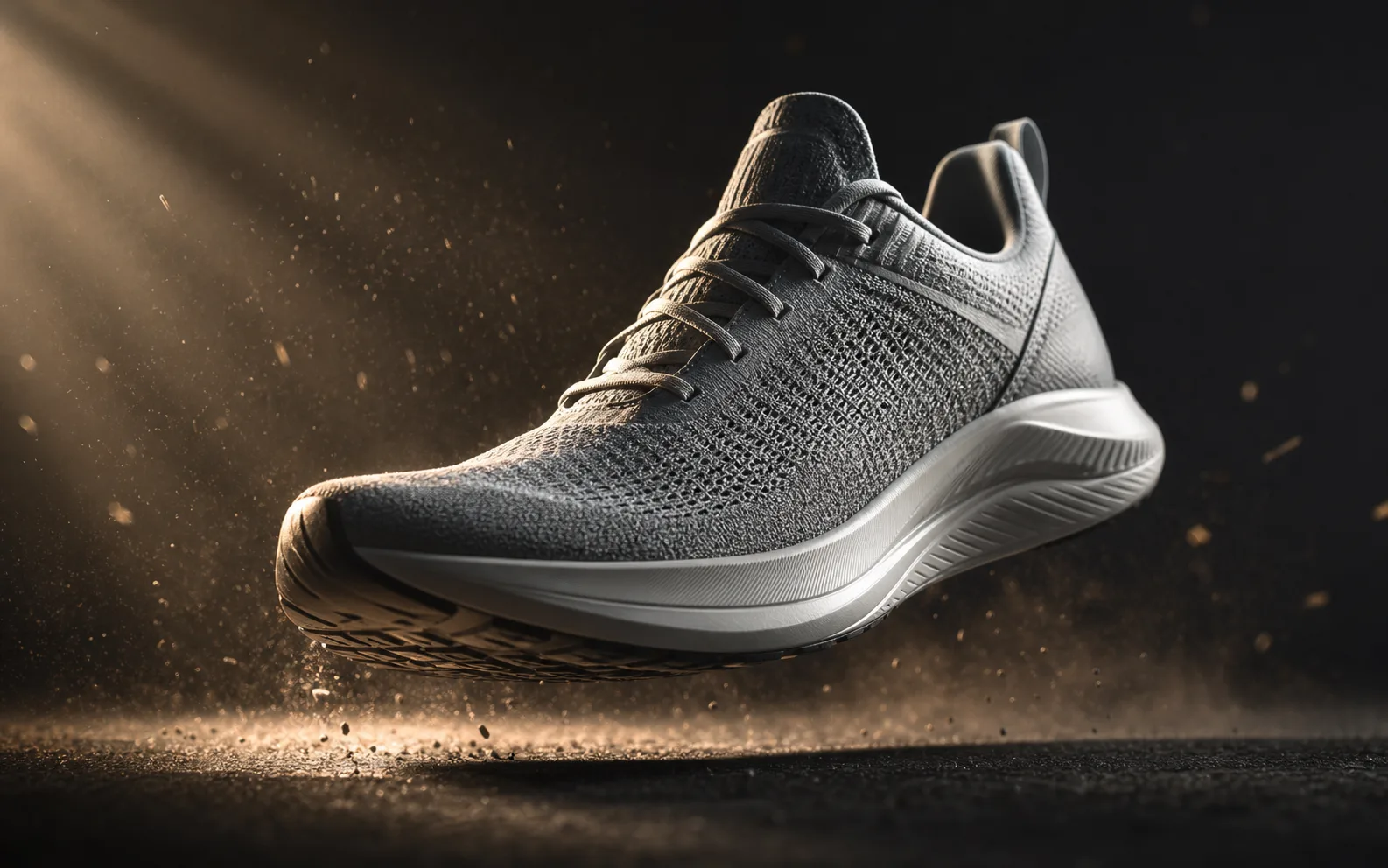
Create AI videos with Kling 3.0 from text or images. Generate product loops, social hooks, and reference-driven motion clips with strong subject consistency and flexible camera control.
Try fal's H3 Max — a post-trained MiniMax H3 video model built for speed. Generate 5–15s clips at 480P or 768P from text, images, or reference packs, then iterate fast in the Seedancy workbench.