
Landscape / Cinematic / Wide Shot
Cinematic Landscape Scene
Generate wide atmospheric shots with natural motion, realistic lighting, and immersive ambient audio.
Generated video will be displayed here
Veo 3.1
Create cinematic AI videos with Google Veo 3.1. Generate text-to-video, image-to-video, and reference-guided clips with native synchronized audio, realistic motion, and filmmaker-friendly controls.
Generate wide atmospheric shots with natural motion, realistic lighting, and immersive ambient audio.
Turn product concepts into polished commercial clips with studio lighting, slow camera motion, and premium atmosphere.
Create mood-led brand visuals with cinematic composition, environmental motion, and rich atmosphere.
Generate 9:16 clips for TikTok, Reels, and Shorts with strong opening motion and scroll-stopping visuals.
Describe scenes in natural language with subject, action, camera, lighting, mood, and audio cues.
Upload a still image to guide composition, subject identity, or visual style before generating motion.
Use asset references to steer characters, products, or visual ingredients in supported modes.
Provide start and end frames when you want the model to bridge a specific visual transition.
Create clips with synchronized ambience, effects, or supported audio direction in one generation pass.
Generate 16:9 landscape or 9:16 vertical clips for ads, social platforms, and landing-page hero loops.
Workflow
Describe the subject, action, camera movement, lighting, mood, and any audio cues you want in the clip.
Upload a reference image or provide first and last frames when you need stronger visual control.
Choose your settings, create the clip, preview the result, and download your Veo 3.1 video.
A cinematic drone shot flying over a dramatic mountain valley at sunrise, golden clouds, river reflections, soft wind in the grass, realistic lighting, smooth aerial camera movement, epic travel documentary style with natural ambient sound.
Best for travel visuals, hero backgrounds, and cinematic landscape scenes.
A premium product commercial of a luxury watch on a black marble surface, golden cinematic lighting, slow camera orbit, soft mist, elegant reflections, high-end advertising style, realistic materials, smooth motion, subtle studio ambience.
Best for ecommerce ads, product pages, and brand campaigns.
A stylish creator walking through a neon city street at night, rain reflections, dramatic side lighting, vertical video, fashion campaign style, energetic urban ambience.
Best for TikTok, Reels, Shorts, and paid social hooks.
A slow cinematic push-in through a modern minimalist cafe at golden hour, warm sunlight through windows, soft ambient cafe sounds, shallow depth of field, premium lifestyle brand atmosphere.
Best for brand mood films and atmosphere-led campaigns.
| Veo 3.1This page | Seedance 2.0 | Kling | |
|---|---|---|---|
| Best for | Cinematic realism, brand atmosphere, native audio direction, and reference-controlled concept tests | Multimodal campaign videos with text, image, video, and audio references | Fast image-to-video drafts with strong subject preservation from one uploaded still |
| Native audio | Designed for synchronized ambience and supported audio cues | Audio-visual generation depending on access and settings | Usually silent unless paired with separate audio workflow |
| Reference control | Reference images and first-and-last-frame transitions in supported modes | Text, image, video, and audio references in one workflow | Strong image-to-video anchor from a single uploaded still |
| Visual direction | Cinematic realism, natural light, documentary mood, premium brand atmosphere | Multimodal storytelling, campaign motion, social variants | Controlled camera motion with stable product or portrait subjects |
| Workflow fit | Fewer high-direction cinematic explorations | Broad campaign production and multi-reference storytelling | Quick motion tests from catalog or campaign stills |
FAQ
Veo 3.1 is Google DeepMind's cinematic AI video generation model. It supports text-to-video and image-to-video workflows, reference-image guidance, first-and-last-frame transitions, and natively synchronized audio in supported generation modes.
Yes. You can describe your scene in a text prompt and generate a short AI video based on your creative direction.
Yes. You can upload a reference image to guide subject, style, composition, or scene direction, then generate a moving video from it.
Veo 3.1 is designed to generate video with natively synchronized audio in supported modes. Available audio behavior may vary by provider access, generation type, and workspace settings.
Veo 3.1 supports landscape 16:9 and vertical 9:16 outputs in supported provider configurations. Available options may vary in your workspace.
Veo 3.1 is mainly designed for short clip generation. Per-generation duration options and extension support may vary by provider access and selected settings.
Include the subject, action, camera movement, lighting, mood, output format, and any audio cues such as ambient sound, dialogue, or sound effects when audio generation is enabled.
No. Seedancy is an independent AI video creation platform. This page provides access to Veo 3.1-compatible generation workflows through configured providers and is not affiliated with, endorsed by, or operated by Google.
Turn text prompts and reference images into short cinematic clips with native audio direction, reference control, and filmmaker-friendly generation modes.
Turn product photos into short ecommerce video clips for PDP heroes, marketplace ads, and launch teasers — without booking a motion shoot.
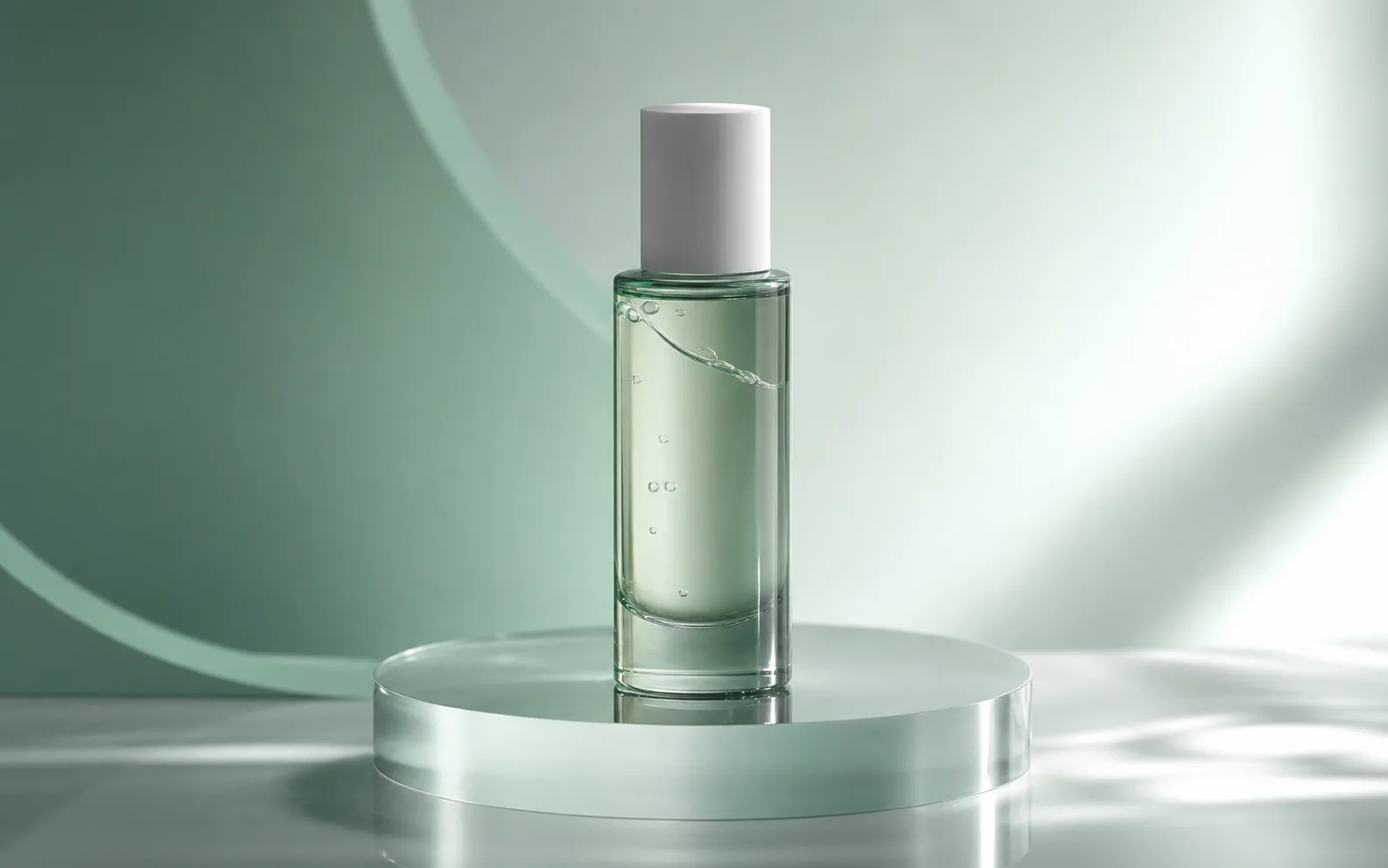
Turn prompts into short videos for ads, social posts, and product campaigns with Seedance 2.0.
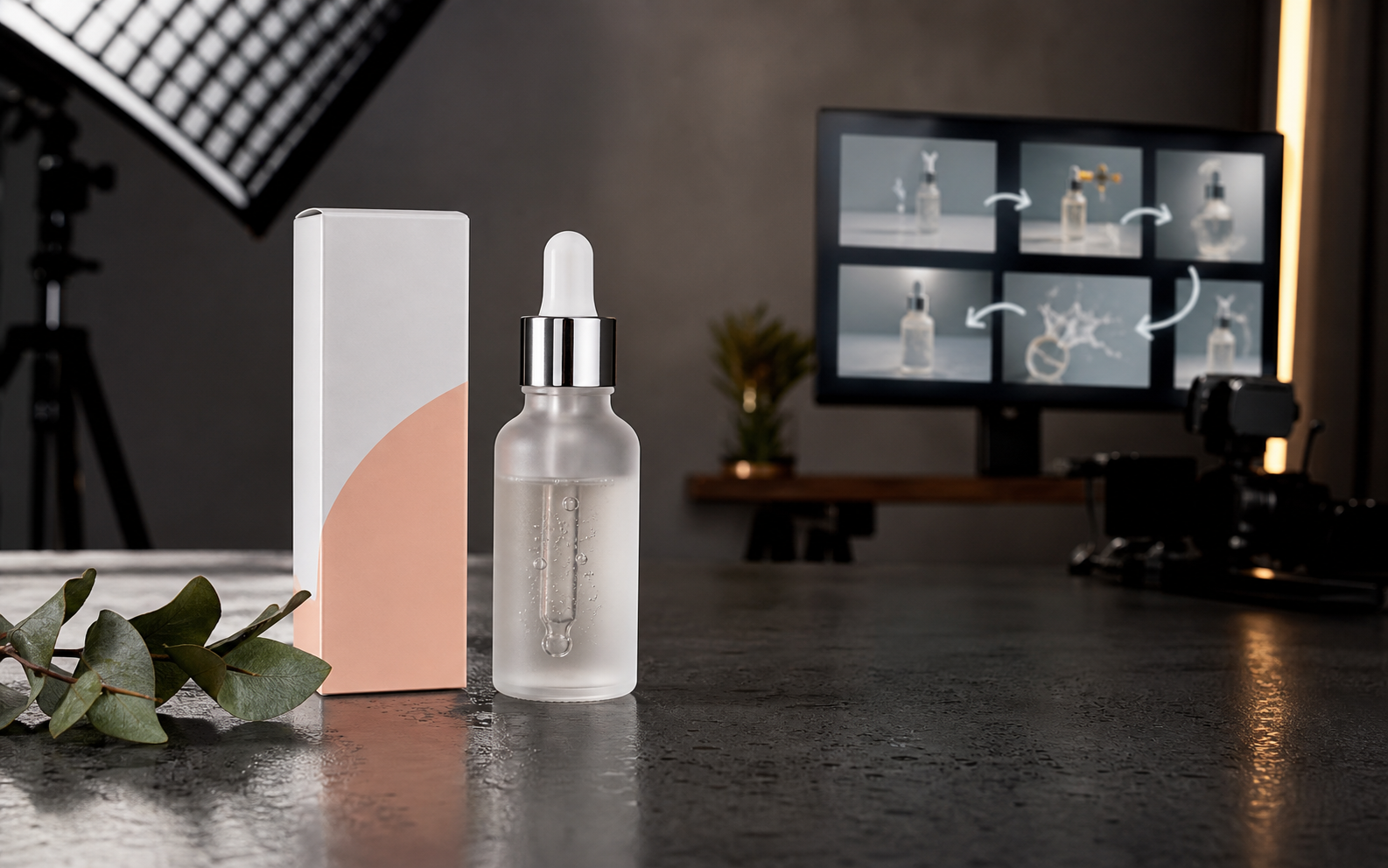
Upload a reference image, describe the camera motion, and turn product photos, portraits, landscapes, or ad stills into AI video clips.

Create cinematic AI videos from text, images, audio, and video references. Use Seedance 2.0 to generate smooth motion, realistic scenes, synchronized audio, and multi-shot storytelling in minutes.
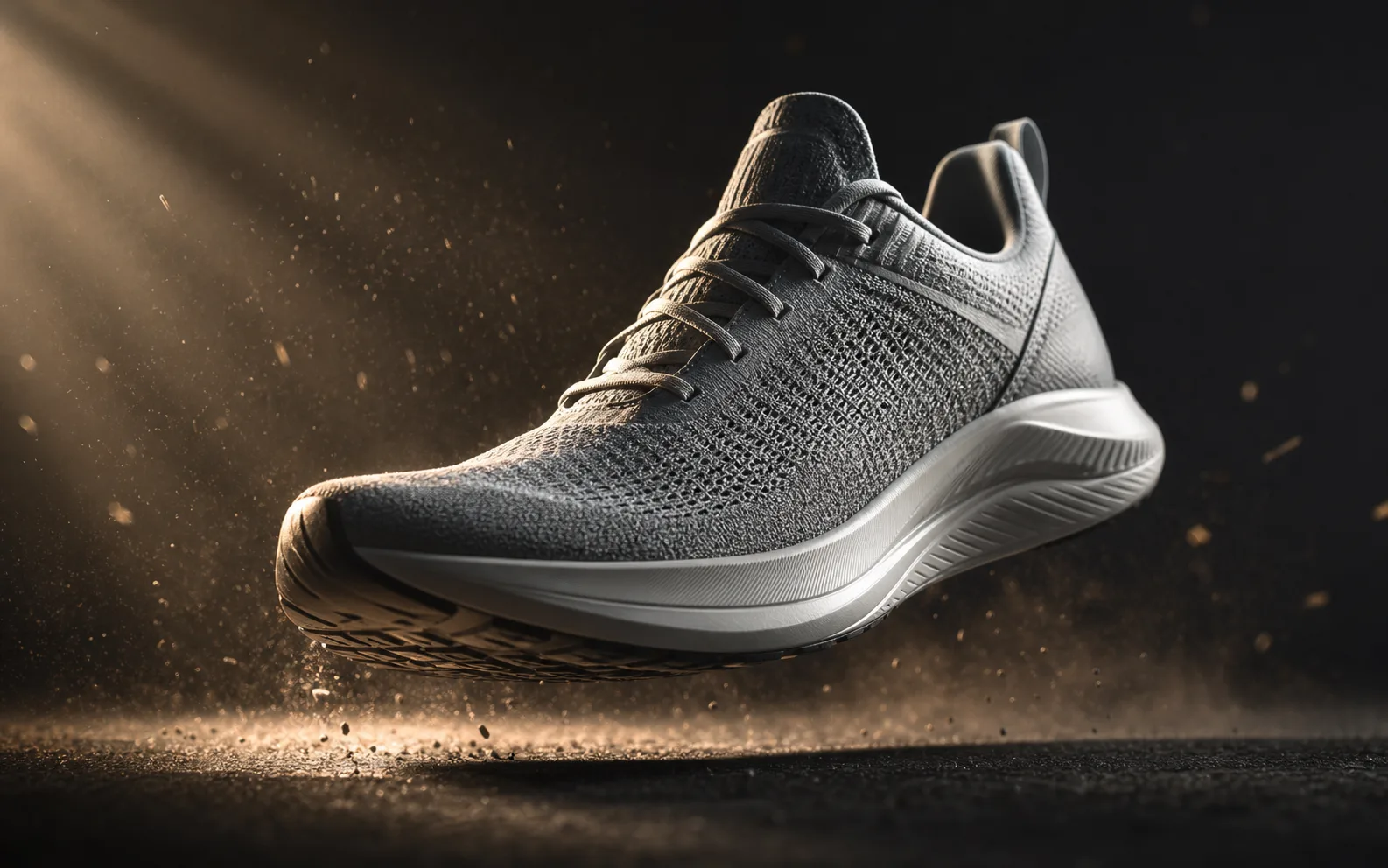
Create AI videos with Kling 3.0 from text or images. Generate product loops, social hooks, and reference-driven motion clips with strong subject consistency and flexible camera control.
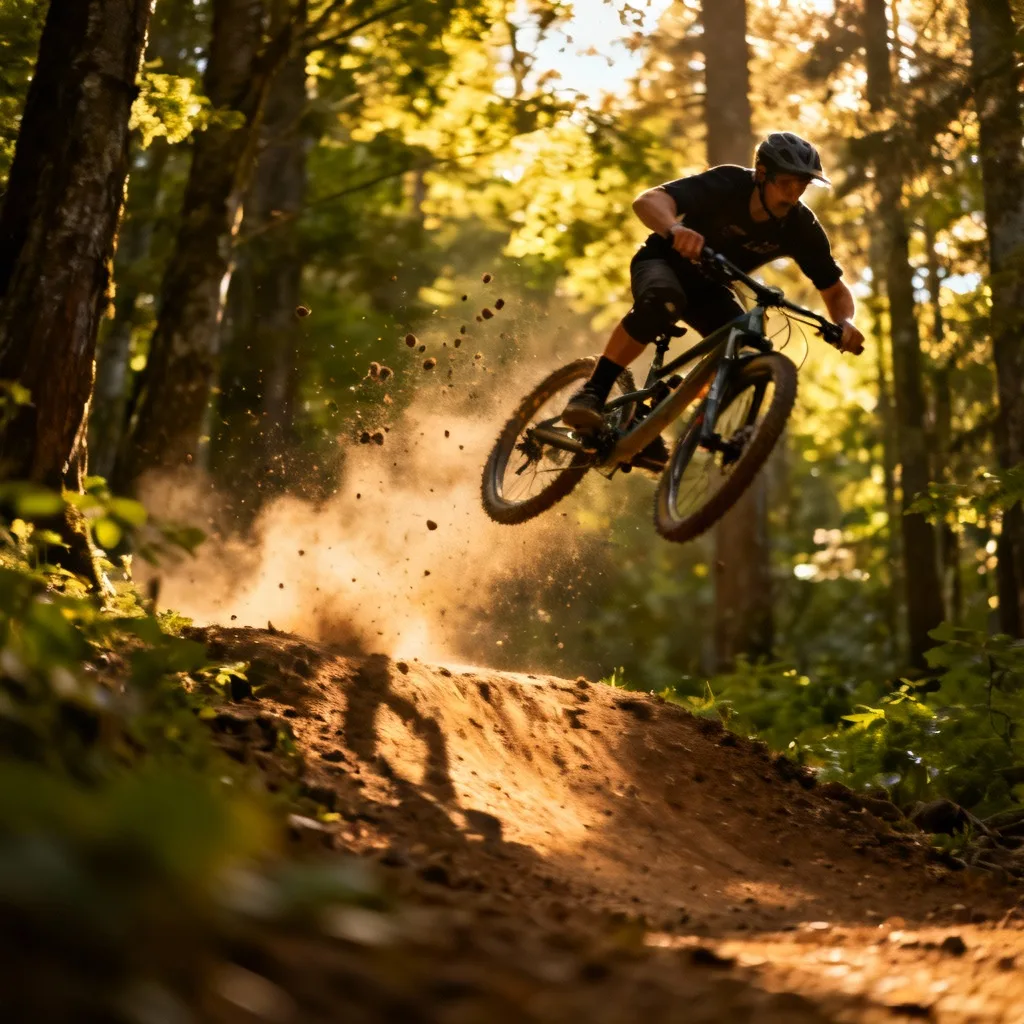
Try fal's H3 Max — a post-trained MiniMax H3 video model built for speed. Generate 5–15s clips at 480P or 768P from text, images, or reference packs, then iterate fast in the Seedancy workbench.