
Vertical social hook
Generated video will be displayed here
Turn Text into Videos Text to Video
Turn prompts into short videos for ads, social posts, and product campaigns with Seedance 2.0.
Campaign formats
Prompt videos for every launch surface
Plan motion concepts, social hooks, product teasers, and landing-page hero loops from one prompt-first workspace.
Premium skincare bottle on a reflective pedestal, slow 180 degree orbit, soft studio spotlight, clean mint gradient background, luxury commercial look.
Product orbit for PDP heroes and paid social.
Close-up of a new sneaker emerging from dramatic side light, slow push-in, dust particles, energetic launch campaign, cinematic contrast.
Launch teaser with a strong first-second hook.
Creator holding a travel tumbler near a bright kitchen window, gentle handheld motion, natural daylight, authentic social video mood.
UGC-style scene for social ads.
Workflow
How it works
- 1
Describe your scene
Write the subject, camera motion, and mood you want.
- 2
Generate with a model
Pick Seedance 2.0, Kling, or Veo and render the clip.
- 3
Refine the result
Tweak the prompt and regenerate until the motion feels right.
- 4
Export and reuse
Download the clip for ads, social, and product pages.
Capabilities
Why creators choose it
Prompt-first direction
Describe scene, camera motion, and mood in natural language — no timeline editing required.
Multiple leading models
Seedance 2.0, Kling, and Veo in one workspace — switch models without leaving the page.
Cinematic camera control
Push-in, orbit, and sweep motions for premium commercial ad aesthetics.
Campaign-ready exports
Download clips ready for ads, landing pages, and social posts.
| Seedance 2.5Default | Kling | Veo | |
|---|---|---|---|
| Best for | Marketing scenes, clean motion, controllable camera paths | Reference-driven animation and product loops | Cinematic exploration and premium brand films |
| Prompting style | Detailed subject + camera + light direction | Short motion commands with clear references | Cinematic language and scene continuity |
| Workflow fit | First choice for text-to-video campaigns | Best paired with image-to-video | Useful for concept exploration |
- Seedance 2.5Default
- Best for
- Marketing scenes, clean motion, controllable camera paths
- Prompting style
- Detailed subject + camera + light direction
- Workflow fit
- First choice for text-to-video campaigns
- Kling
- Best for
- Reference-driven animation and product loops
- Prompting style
- Short motion commands with clear references
- Workflow fit
- Best paired with image-to-video
- Veo
- Best for
- Cinematic exploration and premium brand films
- Prompting style
- Cinematic language and scene continuity
- Workflow fit
- Useful for concept exploration
- 1Write the motion brief
Define subject, channel, camera movement, and mood.
- 2Create reference stills
Generate image directions when the product or scene needs visual grounding.
- 3Generate video variants
Render multiple clips, compare pacing, and keep the strongest hook.
- 4Repurpose by placement
Use the winning motion for ads, PDP heroes, launch pages, and social posts.
- 3–6s
- Clip length
- 3+
- Models in one workspace
- 1080p
- Export quality
- ~60s
- Typical render time
“We replaced our b-roll sourcing with text-to-video. Launch clips that used to take a week now ship same-day.”
“Being able to switch between Seedance and Veo without changing tools saves us hours per campaign.”
“The camera-motion prompts give our product videos a premium ad feel without a film crew.”
Can I try text-to-video without signing in?
Guest generation depends on your project settings. If enabled, you can generate directly on this page.
Which models are supported?
Seedance 2.0 is the primary model, with Kling and Veo available depending on workspace configuration.
Can I use outputs commercially?
Usage rights depend on your subscription plan and provider terms. Review Seedancy terms before publishing.
Related tools
Product Video Maker
AI Product Video Maker for Ecommerce
Turn product photos into short ecommerce video clips for PDP heroes, marketplace ads, and launch teasers — without booking a motion shoot.
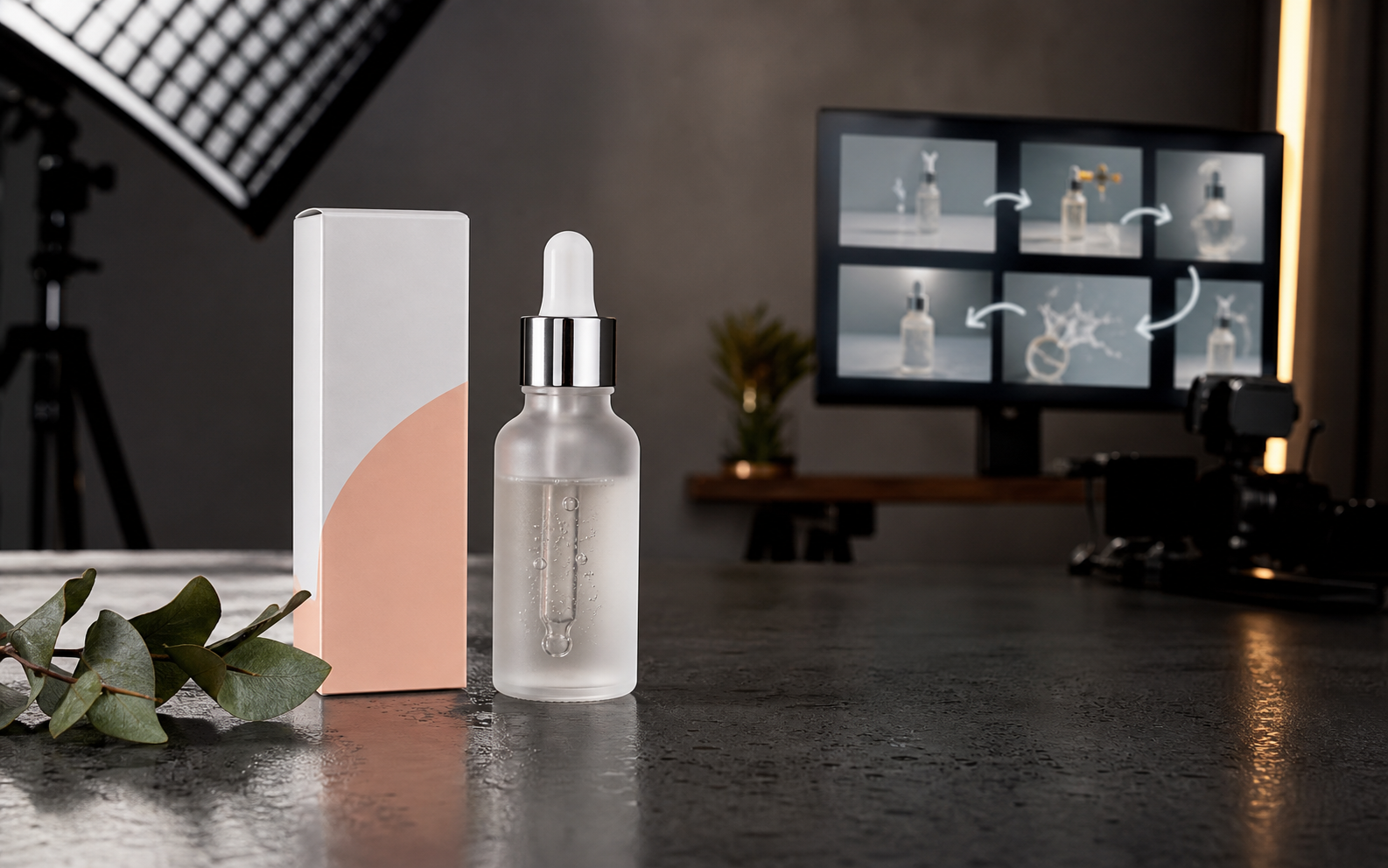
Image to Video
AI Image to Video Generator
Upload a reference image, describe the camera motion, and turn product photos, portraits, landscapes, or ad stills into AI video clips.

Seedance 2.0
Seedance 2.0 AI Video Generator
Create cinematic AI videos from text, images, audio, and video references. Use Seedance 2.0 to generate smooth motion, realistic scenes, synchronized audio, and multi-shot storytelling in minutes.
Start turning text into video
Generate your first clip in under a minute — no editing software required.