

Native RGBA Transparency
Generated image will be displayed here
ByteDance Seedream 5.5
Experience ByteDance Seedream 5.5. 100 turns of non-destructive localized editing, native RGBA transparency export, ultra-dense typography, and cinematic commercial realism.
Model Capabilities
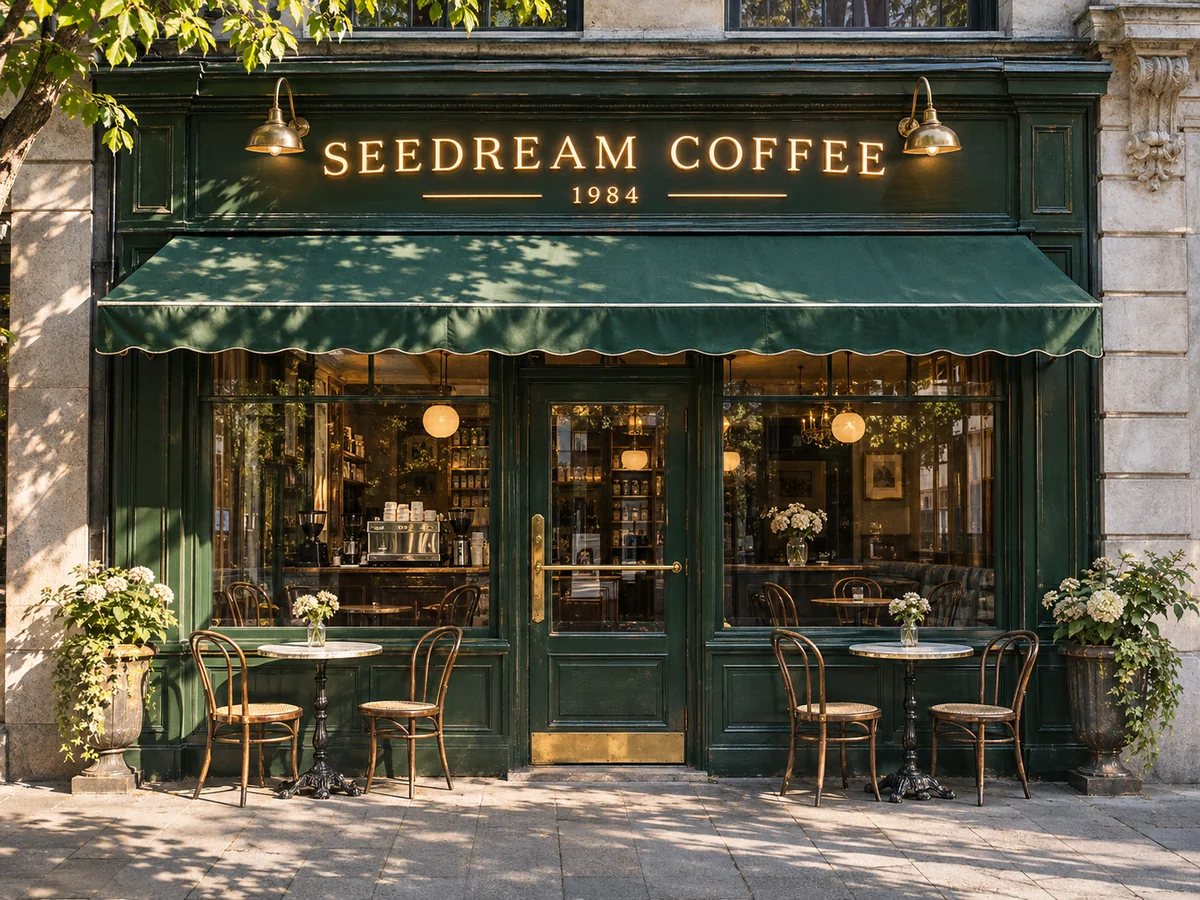
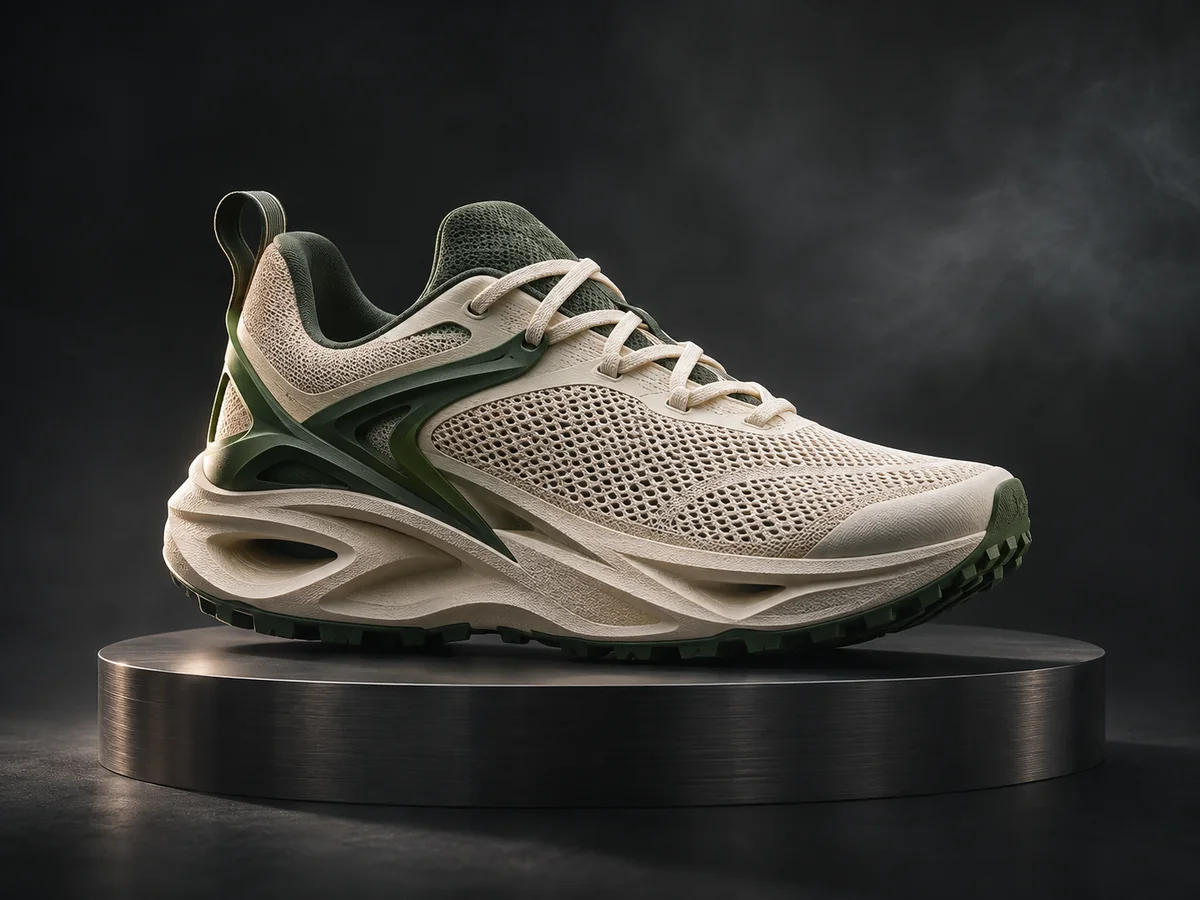
Explore visual directions for transparent assets, portrait editing, typography, and ecommerce. These AI-generated concept illustrations are not Seedream 5.5 outputs or editing benchmarks.

Prompt Recipes
Adapt these prompts to your creative brief. Each image is an AI-generated concept illustration, not a verified Seedream 5.5 result.

Transparent Asset Prompt: A glass coffee mug filled with iced latte, condensation drips on glass, floating roasted coffee beans, clean transparent background, studio softbox illumination, native RGBA, high commercial sharpness.
Ideal for UI asset production, packaging mockups, and transparent ecommerce overlays.
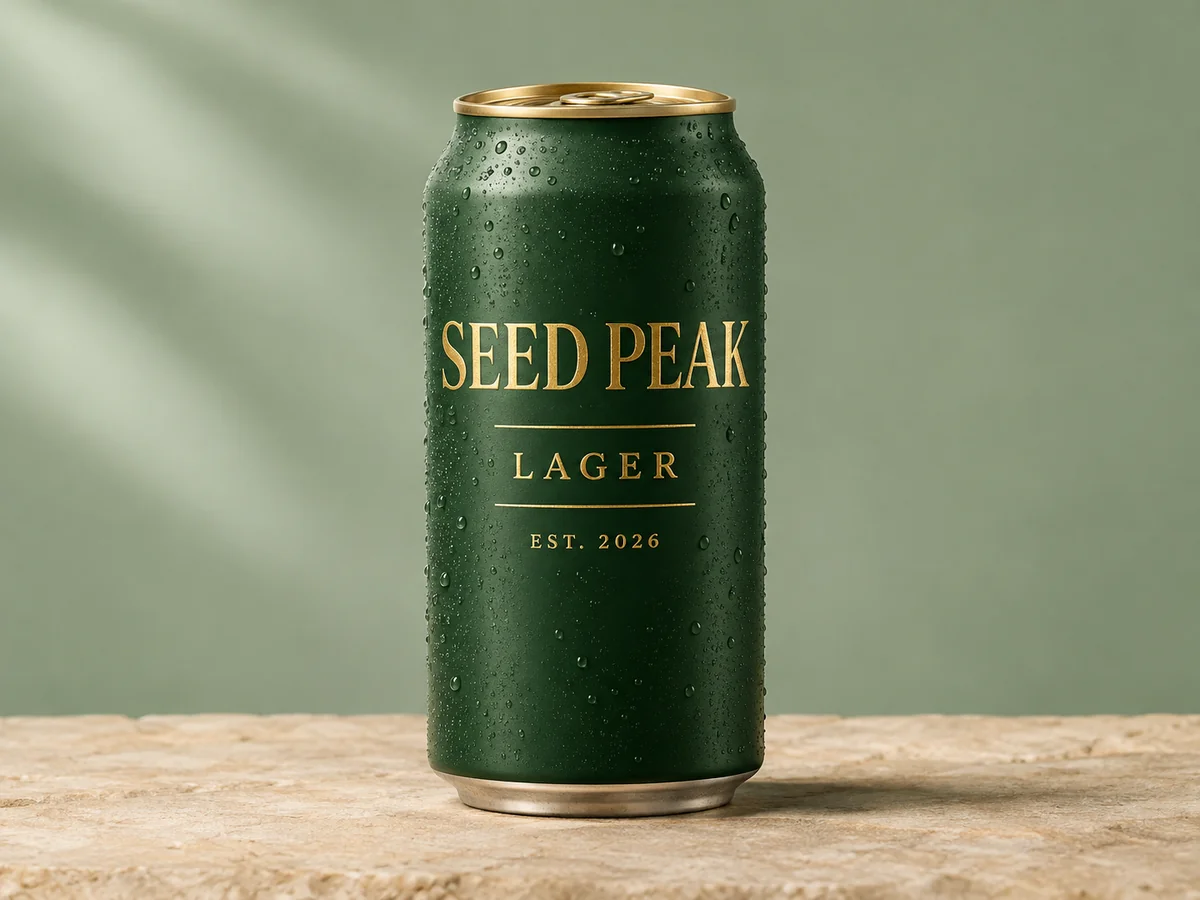
Branding Poster Prompt: A minimalist craft beer can packaging design with crisp legible text reading "SEED PEAK LAGER EST. 2026", metallic gold foil accents on matte forest green can, studio still life photography.
Takes advantage of Seedream 5.5’s 0.4% low text error rate for packaging & signage.
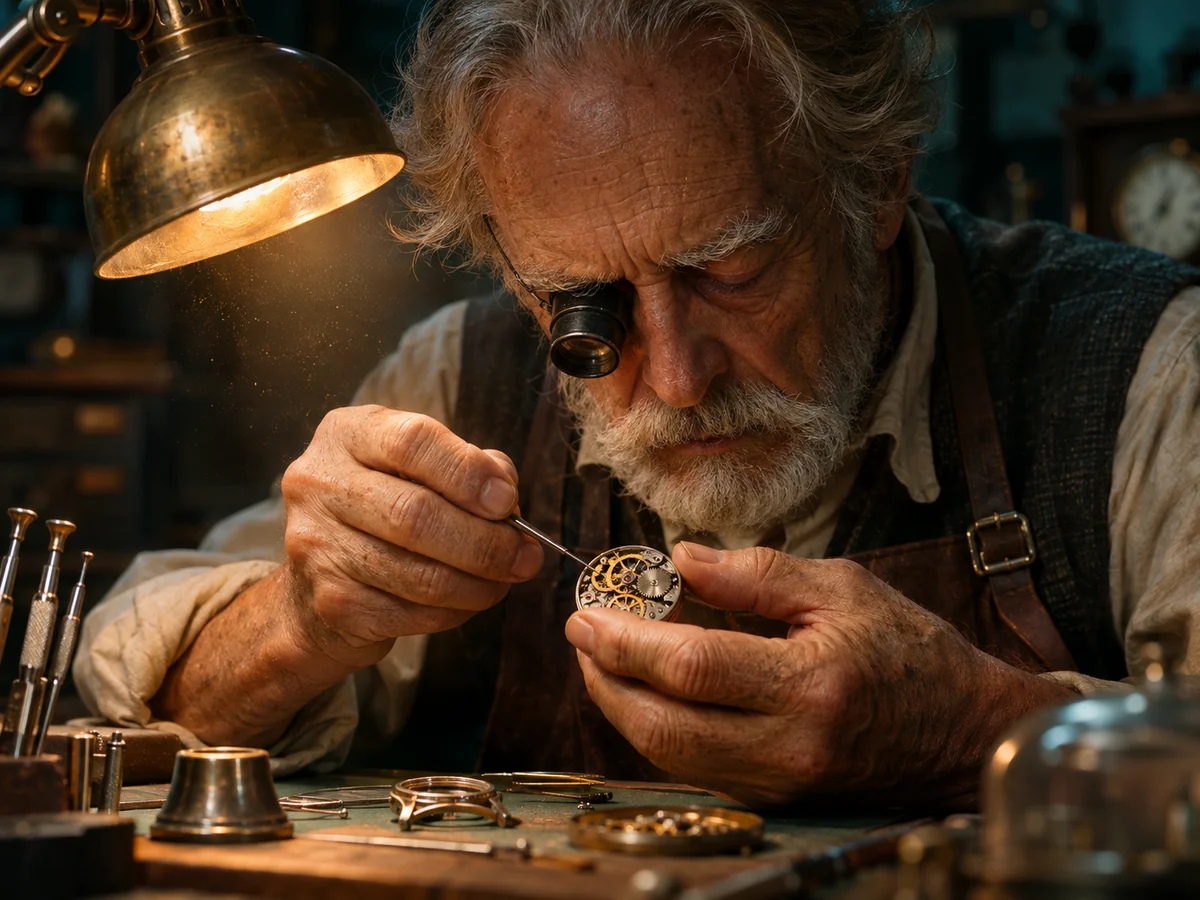
Editorial Portrait Prompt: Cinematic close-up portrait of an elderly watchmaker working under a warm desk lamp, magnifying loupe on eye, micro dust in warm light beam, real skin texture, depth of field, 85mm lens.
Natural skin texture without artificial plastic sheen or excessive HDR contrast.
Core Advantages
Lock unaltered pixels with surgical precision. Modify background, wardrobe, or lighting without altering facial likeness or product geometry.
No more green-screen artifacts or flawed edge clipping algorithms. Get true transparent PNG/WebP files directly out of the inference pipe.
Major text rendering distortion reduced to 0.4%. Generates legible English and Chinese typography on product packaging and storefronts.
Single image inference wall-time drops to 5-10s. Split input/output billing provides higher yield per generation credit.
Workflow
Describe subject, lighting, and specify "transparent background" if native RGBA asset output is desired.
Produce high-fidelity 2K visual assets with authentic photoreal texture in seconds.
Send localized modification prompts. The model alters only the designated elements, keeping the remainder strictly intact.
Architecture Comparison
Understand key architectural differences when selecting tools for professional visual pipelines.
| Seedream 5.5This Page | FLUX.1 Pro | Midjourney v6.1 | |
|---|---|---|---|
| Multi-turn Localized Editing | Up to 100 turns, non-edited area pixel-frozen | Inpainting mask required, potential tone drift | Vary (Region) based, high variance across iterations |
| Native RGBA Alpha Output | Native Alpha channel output, clean edges | Post-process matting required (rembg / sam) | Post-process matting required |
| Text Distortion Rate | Severe error ~0.4%, dense small text supported | High accuracy for short headings, struggles on micro text | Moderate accuracy, short phrases only |
| Generation Speed | 5–10s wall-time, ~40% faster than 5.0 | 8–15s depending on step count | 15–30s in fast GPU mode |
| Best For | Commercial design, ecommerce assets, iterative campaigns | General illustration, concept art, artistic portraits | Cinematic mood boards, fantasy visuals, creative styling |
FAQ
Seedream 5.5 is ByteDance Seed team’s next-generation vision foundation model (Doubao-Seedream-5.5), officially unveiled in November 2026. It specializes in multi-turn non-destructive image editing, native alpha transparency, and high-accuracy text rendering.
Seedream 5.5 backend provider and Worker pipeline are currently being connected. This page allows you to preview capabilities, study prompt recipes, and prepare presets. Online generation will be unlocked immediately once API certification completes.
Traditional inpainting frequently introduces edge seams, lighting shifts, or subtle distortion to non-selected pixels. Seedream 5.5 implements strict pixel-freezing for unedited regions, allowing designers to perform up to 100 consecutive modification rounds without degrading base quality.
Instead of generating an RGB background and running an edge-detection segmentation algorithm, Seedream 5.5 calculates the alpha channel directly during diffusion. This yields realistic transparency on glass, liquids, smoke, and hair contours.
Commercial usage terms follow your active Seedancy membership tier and Volcengine provider agreements. All outputs generated under commercial subscriptions are licensed for marketing and product distribution.
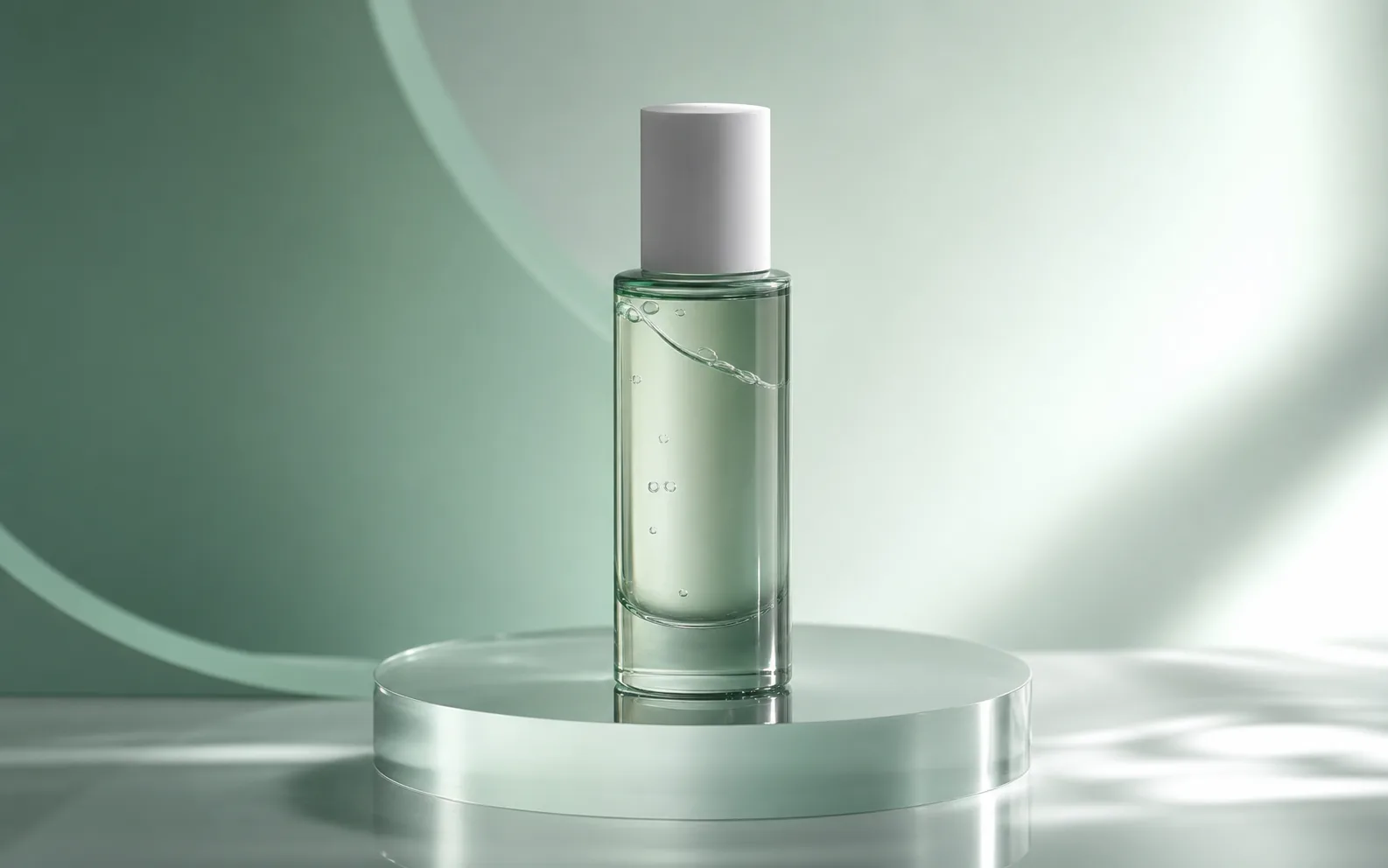
Turn prompts into short videos for ads, social posts, and product campaigns with Seedance 2.0.
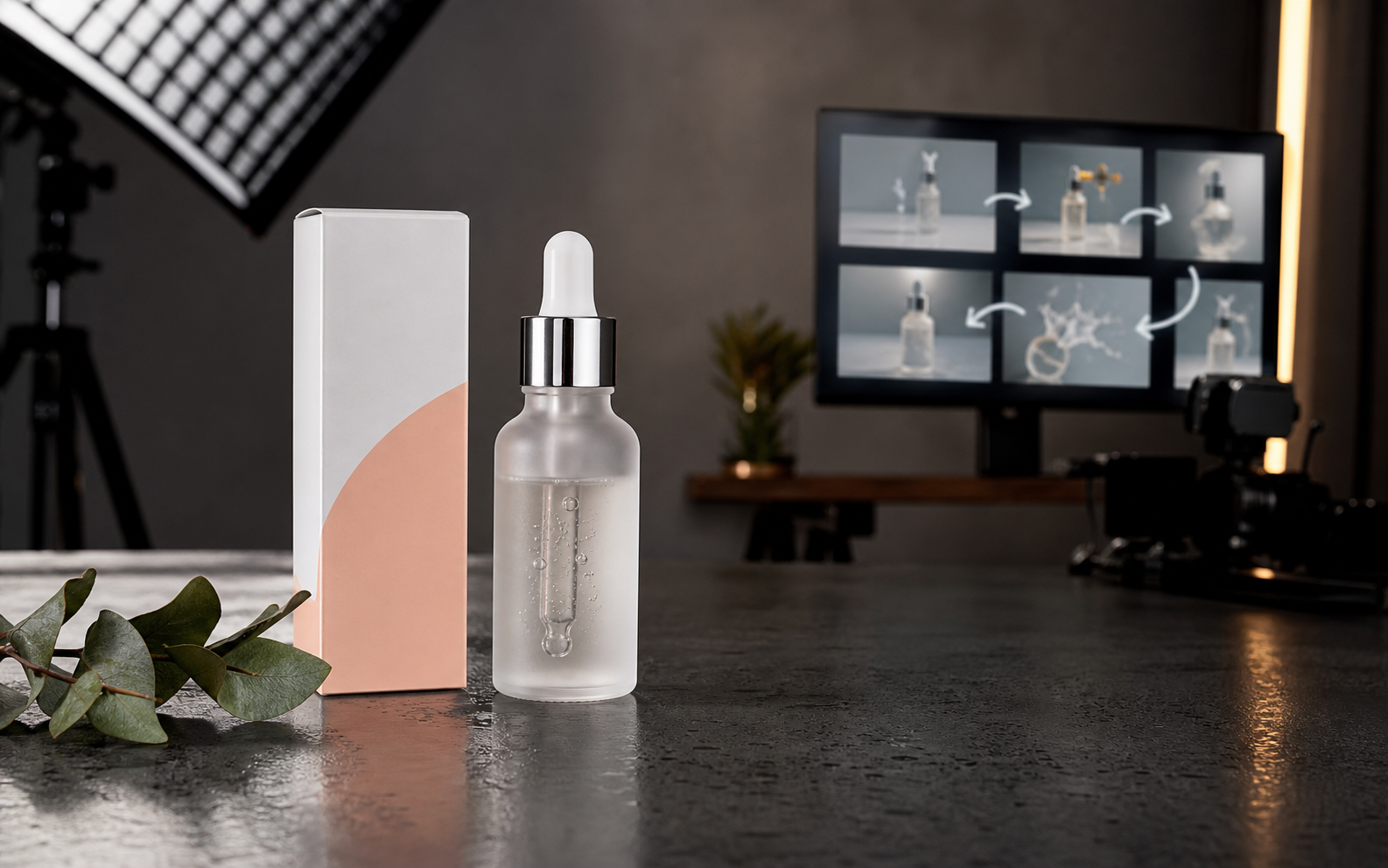
Upload a reference image, describe the camera motion, and turn product photos, portraits, landscapes, or ad stills into AI video clips.

Create cinematic AI videos from text, images, audio, and video references. Use Seedance 2.0 to generate smooth motion, realistic scenes, synchronized audio, and multi-shot storytelling in minutes.
Experience pixel-level editing control and native transparent asset creation on Seedancy as soon as the endpoint goes live.